PluginsSTB-VW Tools

Vectorworks Plugins

Showing 3 results
Sort
Import PDOK Geodata for Vectorworks iconInfo

Vectorworks Plugins

Import PDOK Geodata for Vectorworks

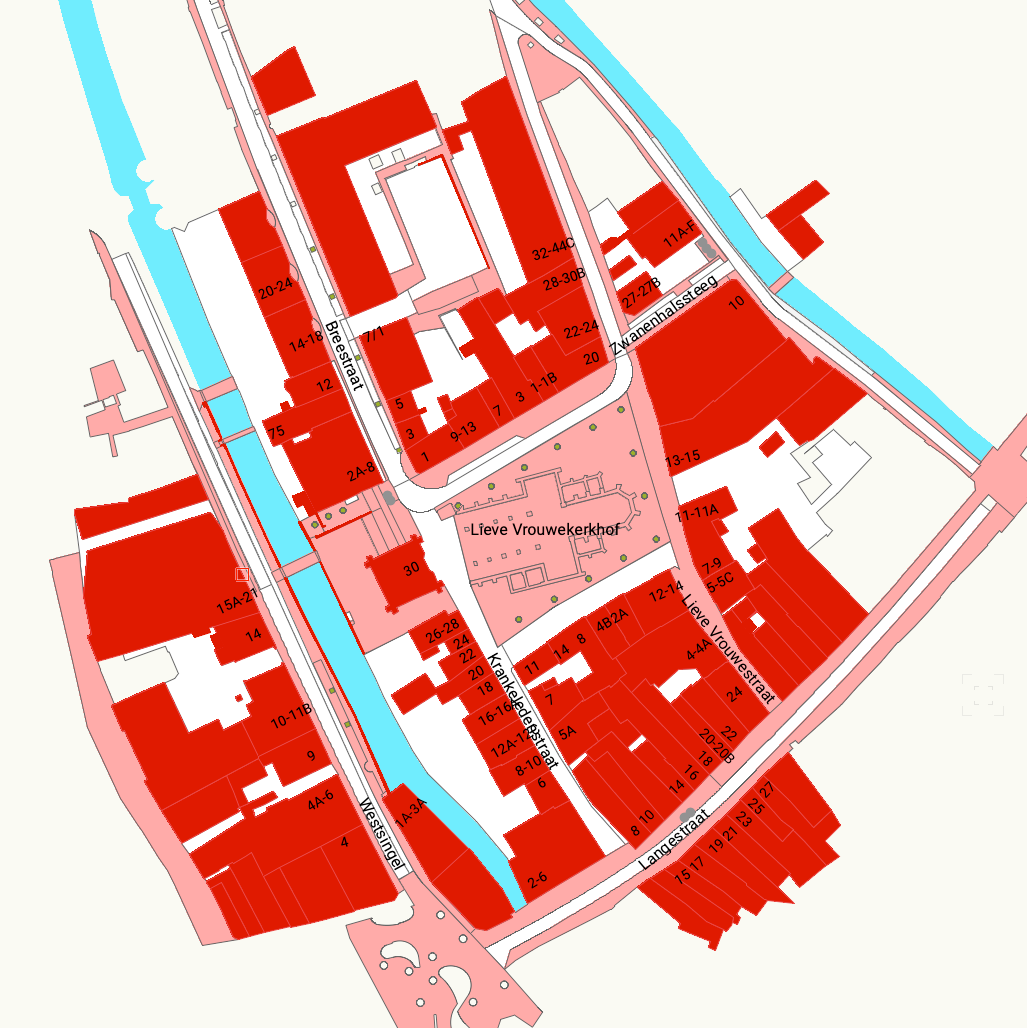
Import Dutch maps, cadastral boundaries, buildings, and terrain into Vectorworks. Select an area, choose your data, and create correctly positioned Vectorworks geometry in one workflow.

v2024v2025v2026
View plugin

€ 59.99 incl. VAT

Pretty Patchlist iconLive

Vectorworks Plugins

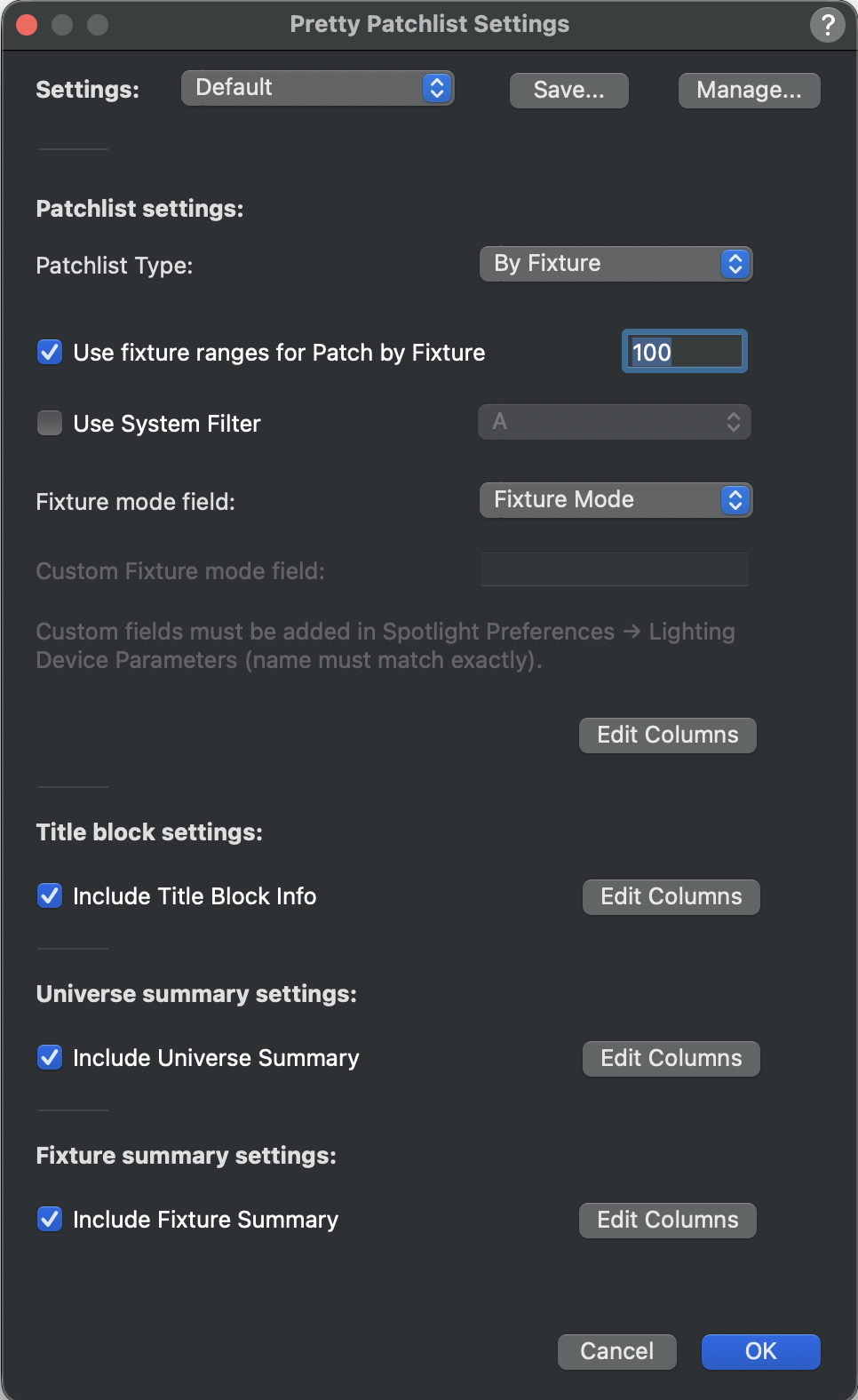
Pretty Patchlist

Pretty Patchlist generates formatted DMX patch list worksheets from the Lighting Devices in a Vectorworks document, grouped by fixture or by universe.

v2024v2025v2026macOS · Windows
View plugin

€ 9.99 incl. VAT

Symbol Line iconLive

Vectorworks Plugins

Symbol Line

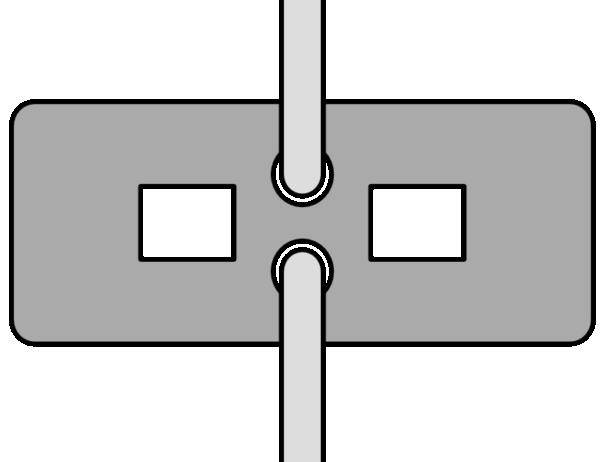
Symbol Line is a Vectorworks plugin that lets you place consistent, repeatable symbols along any path. Ideal for event fencing, crowd barriers, posts, garden layouts, and more.

v2024v2025v2026macOS · Windows
View plugin

€ 12.99 incl. VAT

Coming soon

More Tools Coming Soon

We are actively developing new plugins to streamline your Vectorworks workflow.

A

About the plugins on this page

Plugins listed on this page are released as they reach a usable and documented state. Availability may change over time as new tools are added or existing plugins are updated. Each plugin is developed and documented independently, with compatibility information and usage notes provided on the individual product pages.

B

Documentation and support

Documentation for each plugin describes behaviour, configuration options, and known limitations. Support is limited to installation, licensing, and documented functionality. General Vectorworks training or workflow guidance is not provided as part of plugin support.

C

Vectorworks

These plugins are designed for use with standard installations of Vectorworks. Compatibility with specific Vectorworks versions is listed on the individual plugin pages.